.jpg?width=6782&height=2762&name=primary_logo%20(1).jpg)
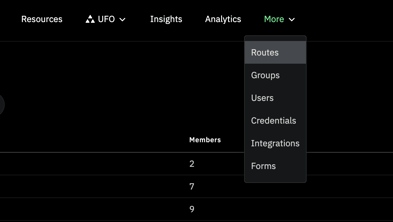
- From the top nav menu click 'More,' then select Routes from the drop down menu.
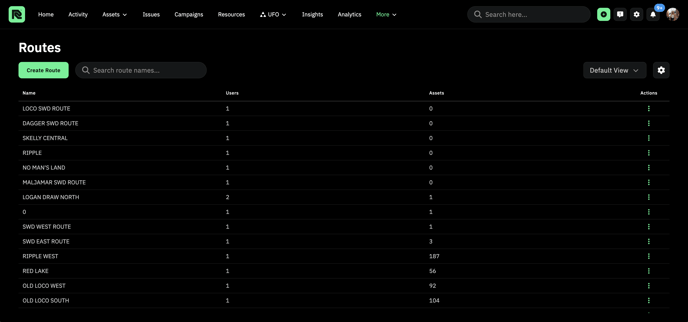
- This will bring you to the Routes Page.
- Click
 to create a new route.
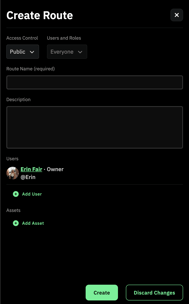
 - A side panel will appear on the right side of the screen. Fill in all information, add users, and add assets, then click 'Create.'
- The route will now appear on the Route Page.
Manage Routes
- Anyone can join a route by clicking
 .
. - To go to a Route, click on the route from the table.
- This will navigate you to that specific route's page.
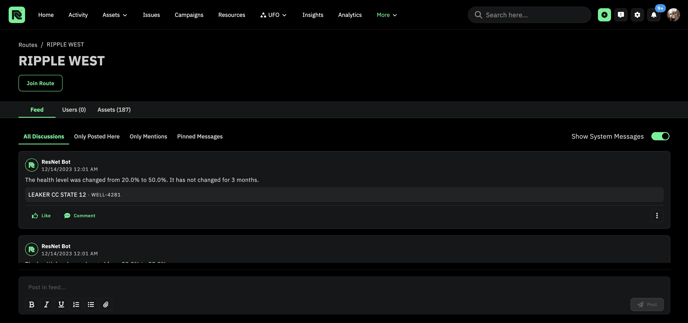
- Here you can view the route's Feed, Users, and Assets.